
Compatible with
Compatible with Home Assistant, Google Home, and Apple HomeKit (via Matter and HomeKit Bridge).

Get started in minutes. Connect the bus cable, plug in the USB-C, and let MQTT Autodiscovery do the rest.

Optimize your energy consumption by fine-tuning heating and cooling cycles directly from your dashboard

Your data stays at home. No external clouds required, ensuring zero latency and total security.

Manage modes , Zones temperatures, and room climate from anywhere.

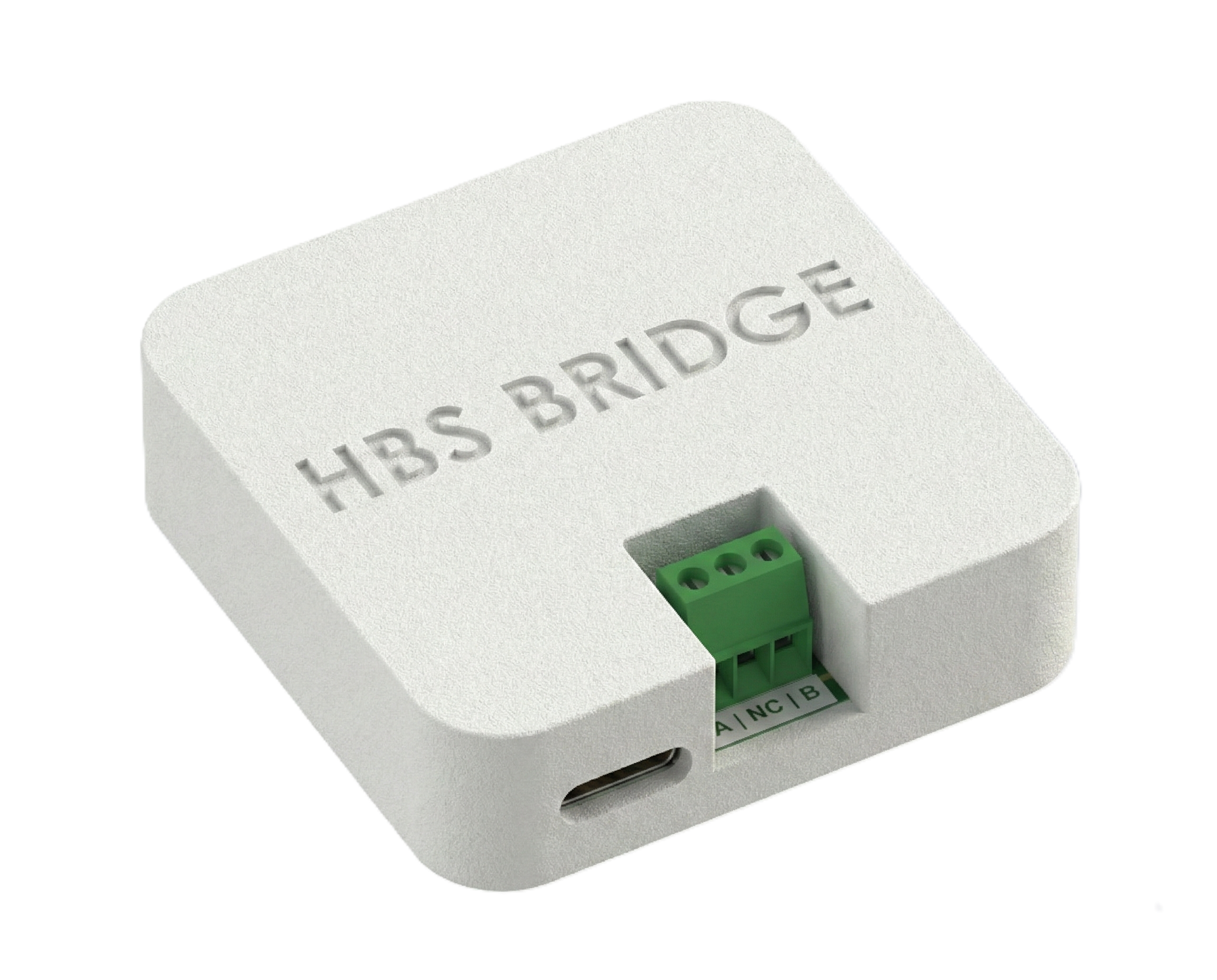
Smart Detection: Instant Auto-Discovery of the connected heat pump.
H-Net Bus Management: Customizable selection of the controller address on the bus.
Total Control: Manage modes (Heat/Cool/Auto/Off), Cycles 1/2, and Zone temperatures.
Water & Comfort: DHW (Domestic Hot Water) setpoint control and real-time temperature monitoring.
OTA Updates: Always up-to-date firmware with automatic Over-The-Air updates for new features.
 Frequently asked question
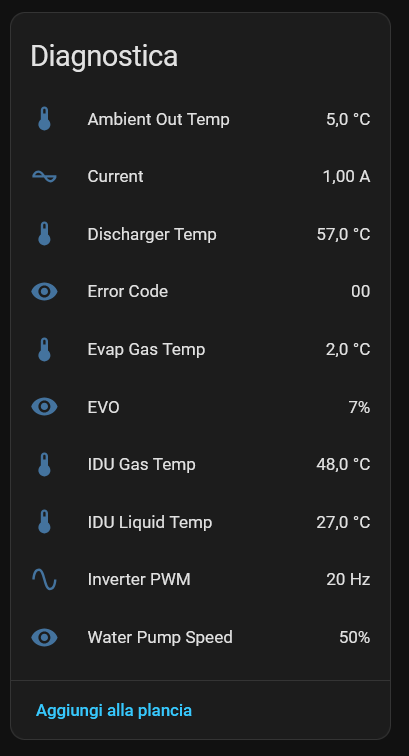
This project stems from the need to bring Hisense heat pumps into Home Assistant, addressing the absence of an official solution. It required over a year of work, from reverse engineering the protocol to developing a controller that guarantees stability and safety.

We chose the Open Source path. The decoded protocol specifications are fully documented and available on GitHub, ensuring transparency and allowing the community to contribute.